Loading…
Publish
Share your trip. Let other travelers build on it.
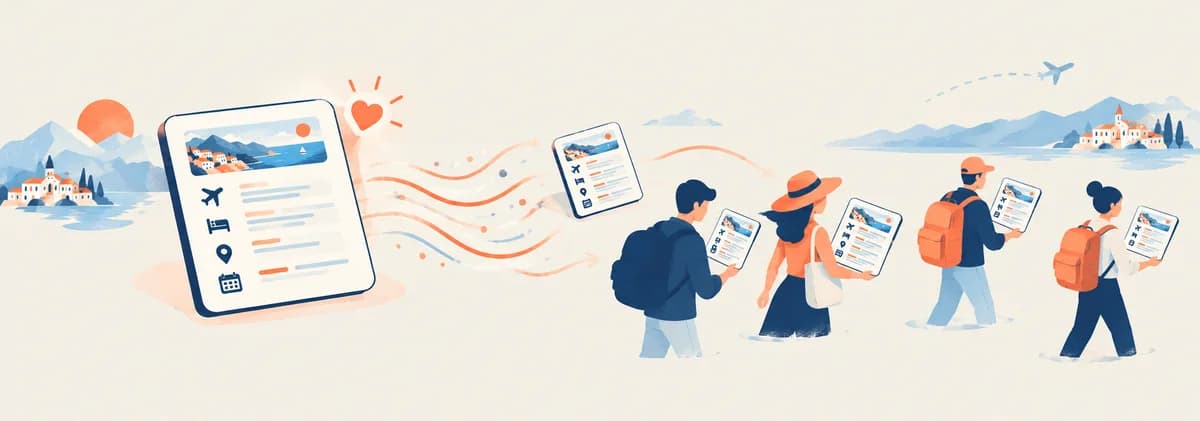
Publish your itinerary to TripSet Explore — it's viewable by anyone, cloneable if you allow it, and can carry a donate link to your profile. You decide exactly what a copy includes.
This is a feature inside TripSet's trip planner — build your itinerary first, then publish it. Free to sign up.
Try it freeFree · No credit card
Why publish a trip
A private itinerary only ever helps the person who planned it. A published one can help the next traveler too.
Get discovered on Explore
Published trips are listed on Explore, where other travelers browse by country and category. Views, clones, and how many people copied your route are visible right on your own dashboard.
Be the starting point for someone else's trip
Anyone can clone a published itinerary into their own account and adjust it from there — dates, places, whatever they want to change. Your route becomes a template instead of a one-off plan nobody else benefits from.
Add a donate link to your profile
Set up a donate button in your account settings — Ko-fi, Buy Me a Coffee, PayPal, Stripe, or crypto. It shows on your public profile and on every itinerary you publish, so readers who like your route can support you directly.
How it works
1
Add a title and description
Open Publish to Explorer from your itinerary. Write a title, a short description, and up to 3 tags so travelers can find it.
2
Choose what copies include
Turn cloning on or off. If it's on, pick which parts a copy carries over — transport, hotels, notes, expenses. Places and the day-by-day structure are always included. Turn export formats (PDF, KML, GPX, TXT) on or off the same way.
3
Set a cover and gallery
Upload a cover photo (16:9 works best), choose whether your Explore card rotates through featured photos or shows a static cover, and pick up to 10 photos from your album for the public gallery.
4
Publish
Your trip appears on Explore — usually within a few minutes. No approval step, no waiting on a review queue.
What you control
Publishing isn't all-or-nothing — you choose what a copy of your trip actually contains.
Clone permissions, piece by piece
Locations and the day-by-day structure are always cloneable when clone is on — that's the point of sharing a route. Transport, hotels, notes, and expenses each have their own toggle, so you can share the places without handing over your exact hotel bookings or budget.
Export permissions, format by format
Enable or disable PDF, KML, GPX, and TXT export independently for people viewing your public trip. (ICS calendar and JSON backup exports aren't part of this toggle — those are only available to you in the trip planner.)
Unpublish removes it from Explore immediately
Flip the trip back to private and it disappears from Explore right away. It also rotates the trip's private preview link, so if you'd shared that link with anyone before publishing, it stops working — generate a new one if you need it.
Not ready to go public?
Use a private share link instead — anyone with the link can view your trip, but it won't appear on Explore or in search.
Changed your mind?
Unpublish removes it from Explore right away. It also resets your private preview link, so share a fresh one if you still need it.
Frequently asked questions
Is publishing free?
Yes. Publishing, cloning, and the donate link are all free — no subscription required.
How do I publish my itinerary?
Open your itinerary in TripSet, click Publish to Explorer in the toolbar, add a title and description, choose your clone and export settings, and click Publish. It appears on Explore within a few minutes.
Who can see a published itinerary?
Anyone — published trips are public and listed on Explore, no account required to view them. If you want to share with just one person instead, use a private share link, which stays visible only to people who have that link.
Can I preview how my trip looks before publishing?
Yes. While your itinerary is still private, the Publish dialog shows a preview link you can copy or open — share it with a friend to get feedback before making the trip public on Explore.
Can someone steal my itinerary?
Cloning copies the trip into the cloner's own account as a separate itinerary — it doesn't remove or alter yours, and you keep full ownership and edit rights over the original. If you'd rather people not copy it at all, turn cloning off; your trip still shows on Explore for others to read and get ideas from.
Will I know if someone clones my trip?
You won't get a notification, but the clone count on your dashboard updates, so you can see how many people have copied your route.
How do I get donations from people who find my trip?
Go to Account Settings and set up a donate link — Ko-fi, Buy Me a Coffee, PayPal, Stripe, or crypto (CryptoCloud/NOWPayments). Once configured, the donate button appears on your public profile and on every itinerary you publish. TripSet doesn't process the payment itself — it links out to whichever service you connect.
Can I unpublish later?
Yes, at any time. Unpublishing removes it from Explore immediately. It also rotates your private share link, so if you'd given that link to anyone before publishing, it stops working — generate a new one from the Share panel if you still want to share privately.
Does someone need a TripSet account to view my published trip?
No. Anyone can open it and browse the full itinerary without signing up. An account is only required to clone it, like it, or leave your profile a follow.
Do I need to set anything up on my account before publishing?
Just a username — it's what your public profile URL uses, and readers need it to visit your profile from a published trip. The Publish dialog will prompt you to set one if you haven't already.
I edited a trip after publishing it — do I need to republish?
The Publish dialog shows a note when your public version is out of date. Open it and click Save changes to push your edits live; until you do, Explore keeps showing the last published version.
Also useful
Collaborate on a trip →
Invite travel companions as co-editors. Different from publishing — collaborators edit privately with you.
Browse Explore →
See what other travelers have published before you publish your own.
Trip Infographic →
Give your published trip a shareable cover image before you publish it.
Export to KML, GPX, PDF →
The same export formats you control on your published page, available in the trip planner too.
Ready to share your trip?
Free to use. No credit card required.
Start planning